Instalar la App IPTVCONNECT.DE
La mejor experiencia IPTV en tu dispositivo.
App Screenshots
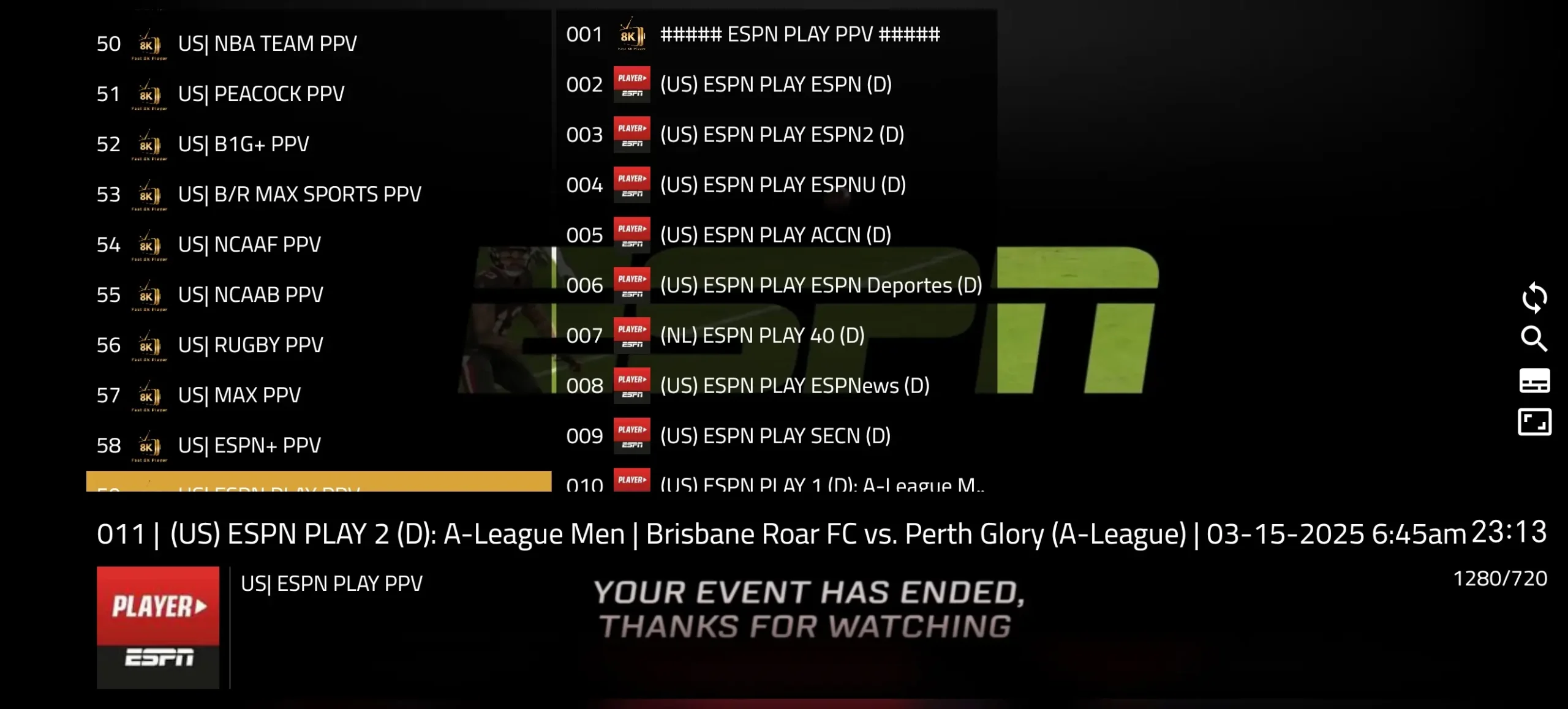
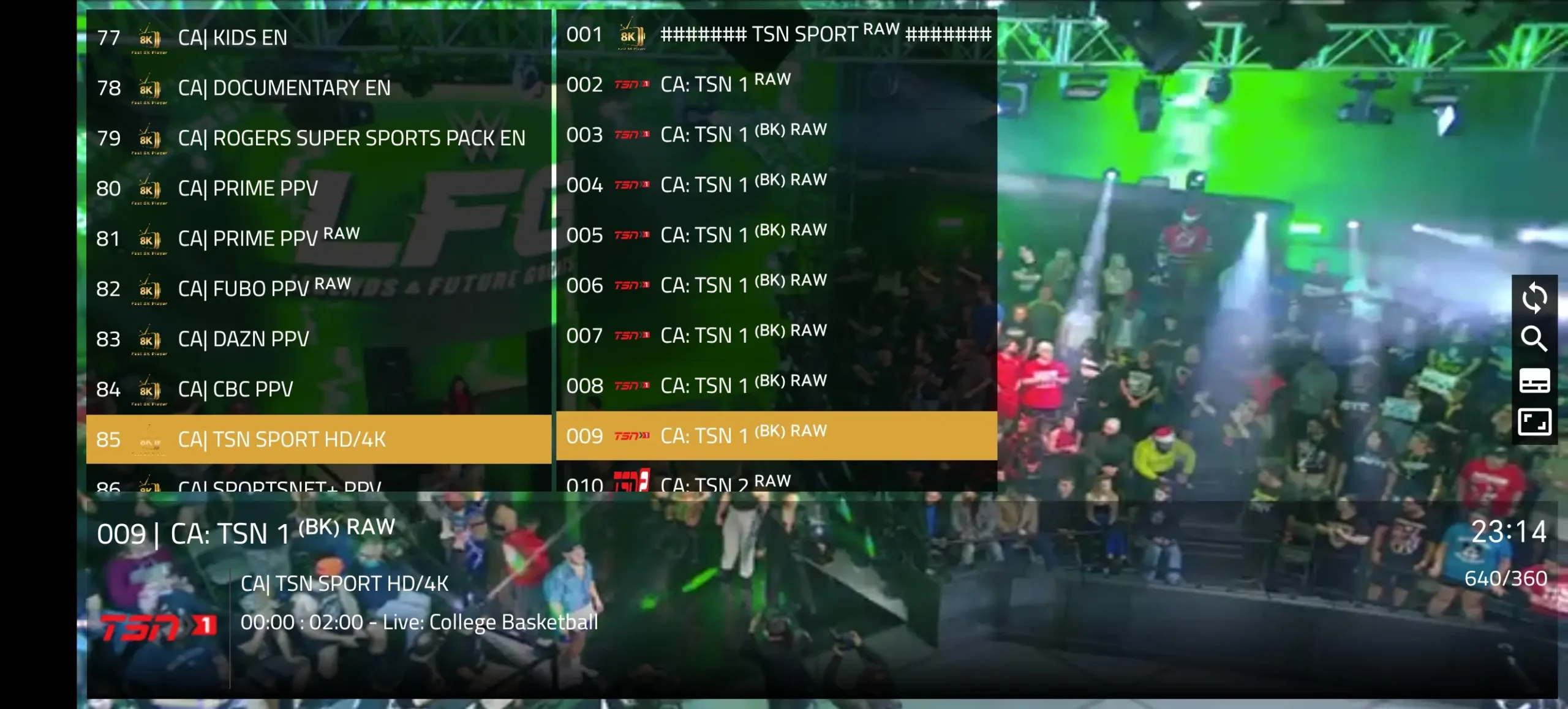
How to Install
📱 Method 1: Using the Link
- 📱 Open your device's web browser (Chrome, Safari, etc.)
- 🌐 Go to the download link we provide via WhatsApp or Email
- ⬇️ Tap "Download" to download the APK file
- ⚙️ If prompted, go to Settings and enable "Install from Unknown Sources"
- 📥 Open the downloaded file and tap "Install"
- 🎬 Open the app, enter your login credentials, and enjoy streaming!
🔽 Method 2: Using the Code Downloader
- On your Fire TV Stick or Android device, install the "Downloader" app from the App Store
- Open the Downloader app
- Enter the download code we provide in the URL field
- The app will automatically download the IPTVCONNECT APK
- Once downloaded, tap "Install"
- After installation, open the app
- Enter your Username and Password (provided after purchase)
- All channels, movies, and series will load automatically
Tip: This method works great for Fire TV Stick, Android TV boxes, and any Android device.
Available for Android, Fire TV Stick, and Android TV
Ready to Start Streaming?
Get your subscription and start watching 35,000+ channels in HD & 4K today.
